
Skip to content
In testing

Approvals and email filing,
inside Microsoft 365

Document and email approvals, and email filing, on Microsoft 365. Guru Flow puts an approvals queue on every desk, files email to the case from Outlook, and records every decision. Once a conversation is filed, the replies are filed for you, and an email approved in Outlook is filed when it is sent. It runs on your firm's own Microsoft 365, so the documents, the emails and the audit trail never leave your tenant.

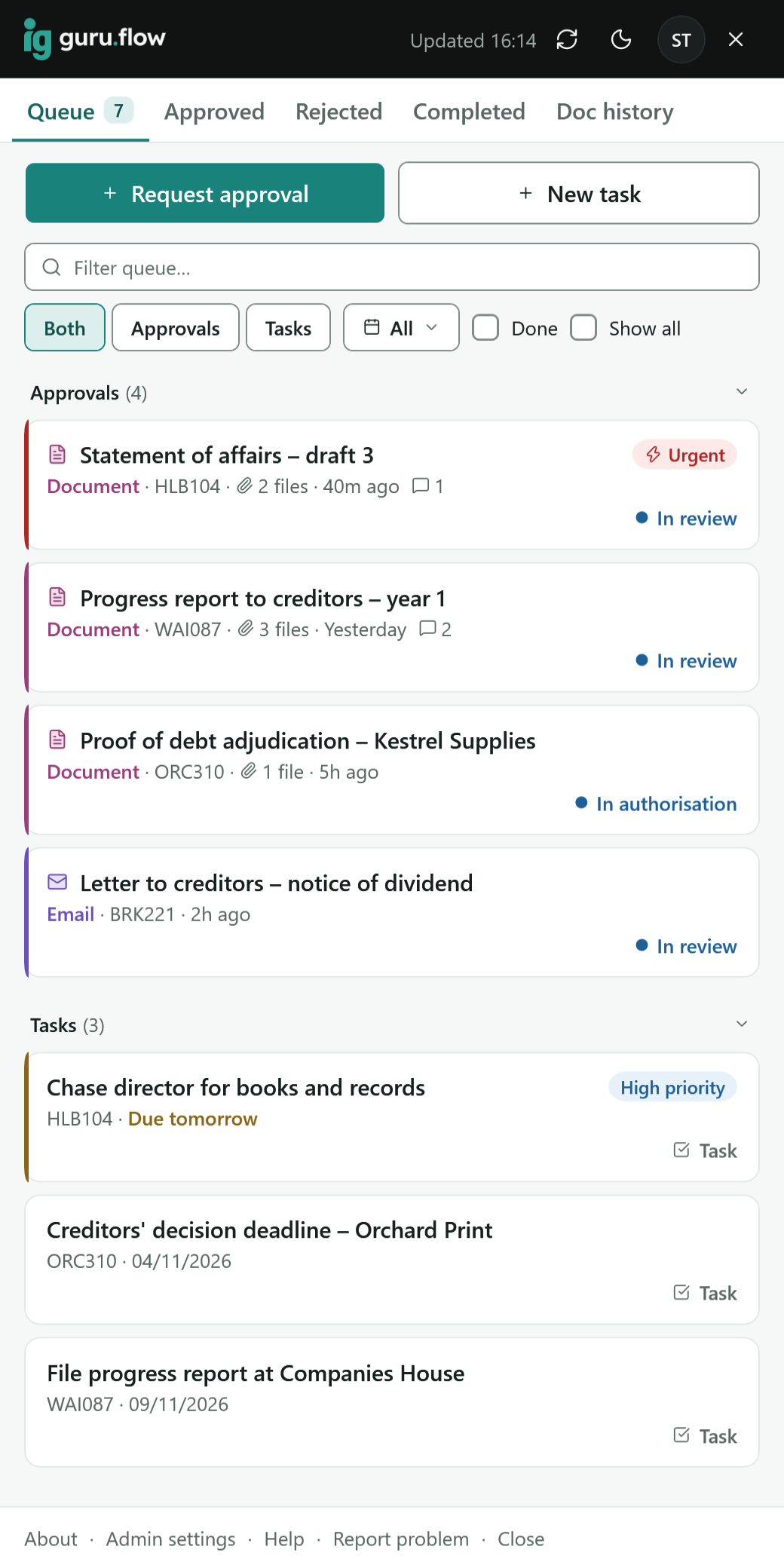
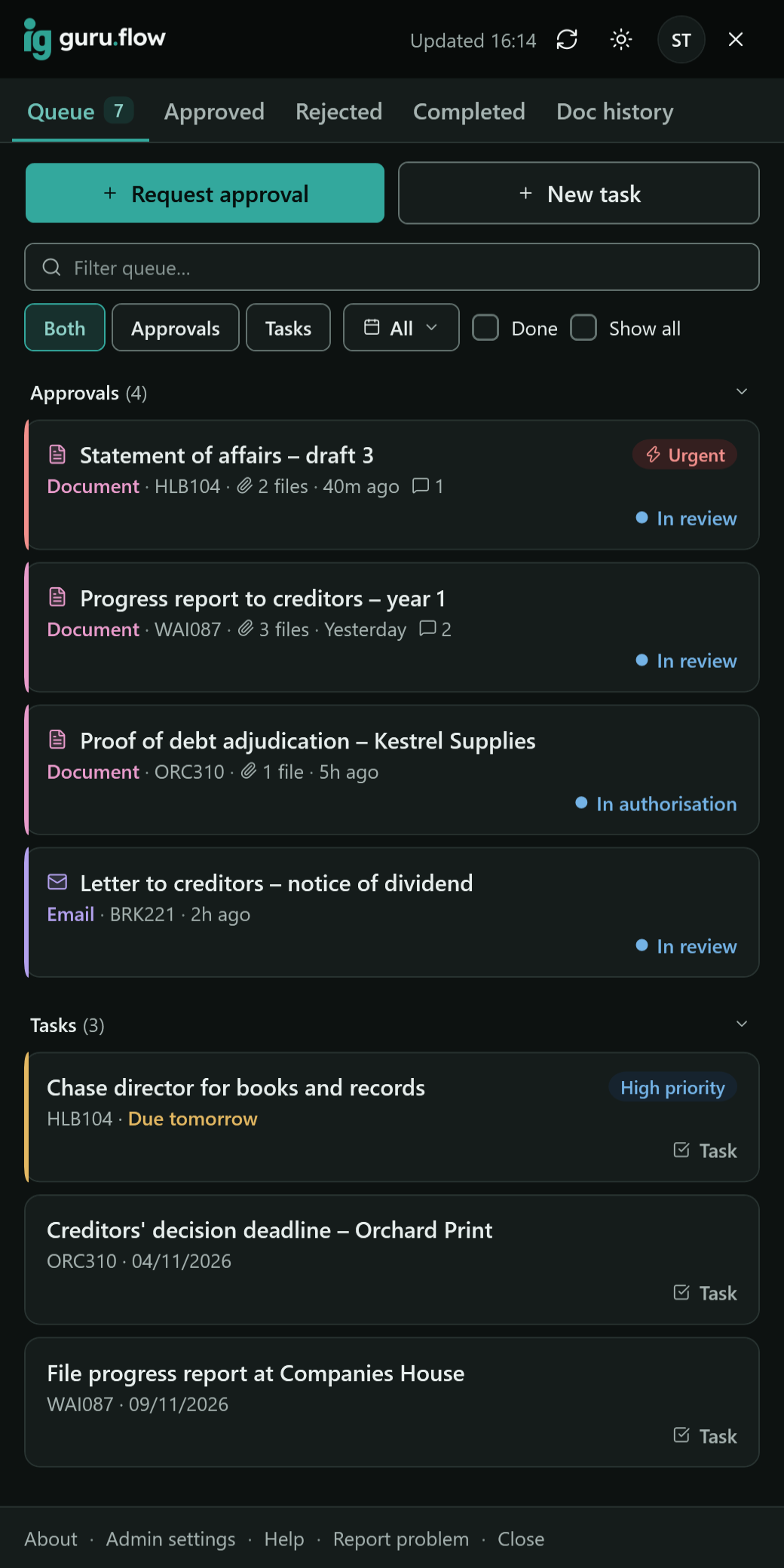
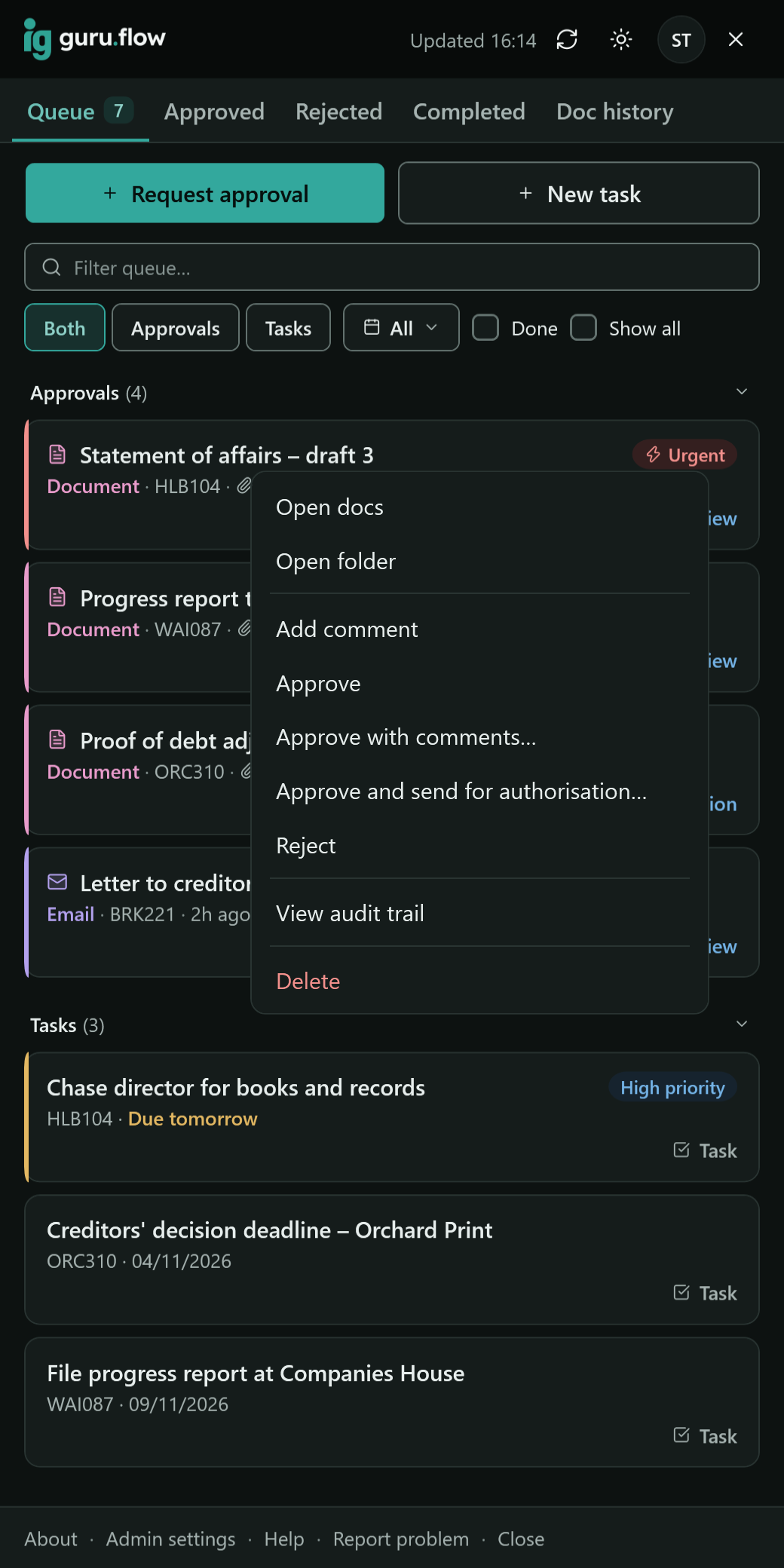
The Guru Flow sidebar in Windows, listing documents and emails waiting for approval, each with its case reference and who sent it. The Guru Flow sidebar in Windows, listing documents and emails waiting for approval, each with its case reference and who sent it.
The desktop sidebar: your queue of approvals and tasks.

Your documents, emails and audit trail stay in your own Microsoft 365. Guru Flow works in your SharePoint and Outlook with delegated Microsoft permissions only. Nothing is sent to Guru.

Where you already work

A desktop app for the people who request and approve, an Outlook add-in for everyone who writes and files email, and a web app for a read-only look at the queue. Nothing is downloaded from this site: Guru Flow comes through Guru Accounts.

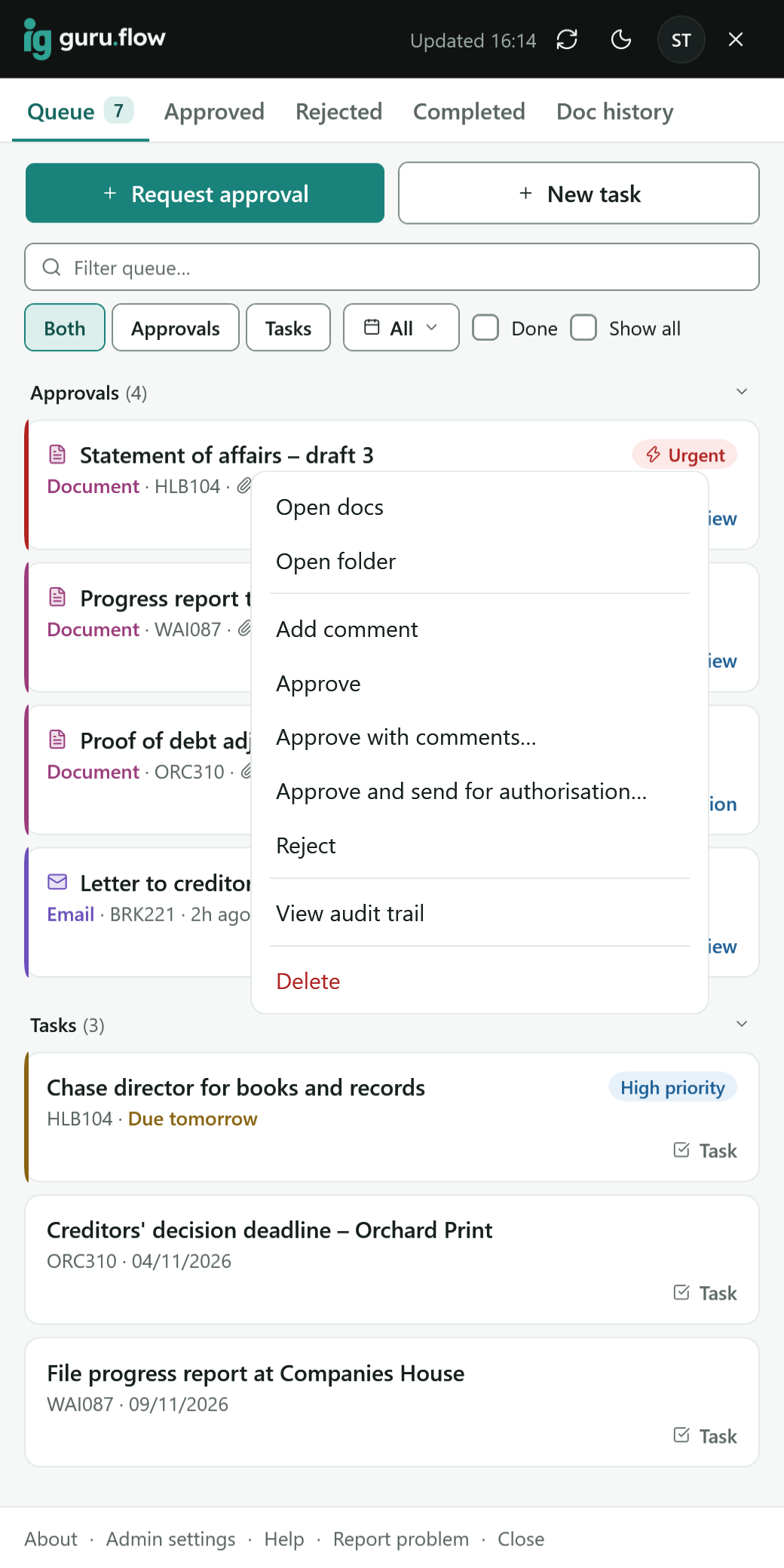
A reviewer opens the actions for a document in the Guru Flow sidebar: open, approve, send for authorisation, return with comments. A reviewer opens the actions for a document in the Guru Flow sidebar: open, approve, send for authorisation, return with comments.

Windows desktop app

Windows 10 or 11

  • A docked sidebar with your queue of approvals and tasks
  • Request approval from File Explorer's right-click menu
  • Review, approve, reject, or return with comments
  • Two-stage approval: review, then authorise
  • Audit certificates as PDF
  • Updates itself
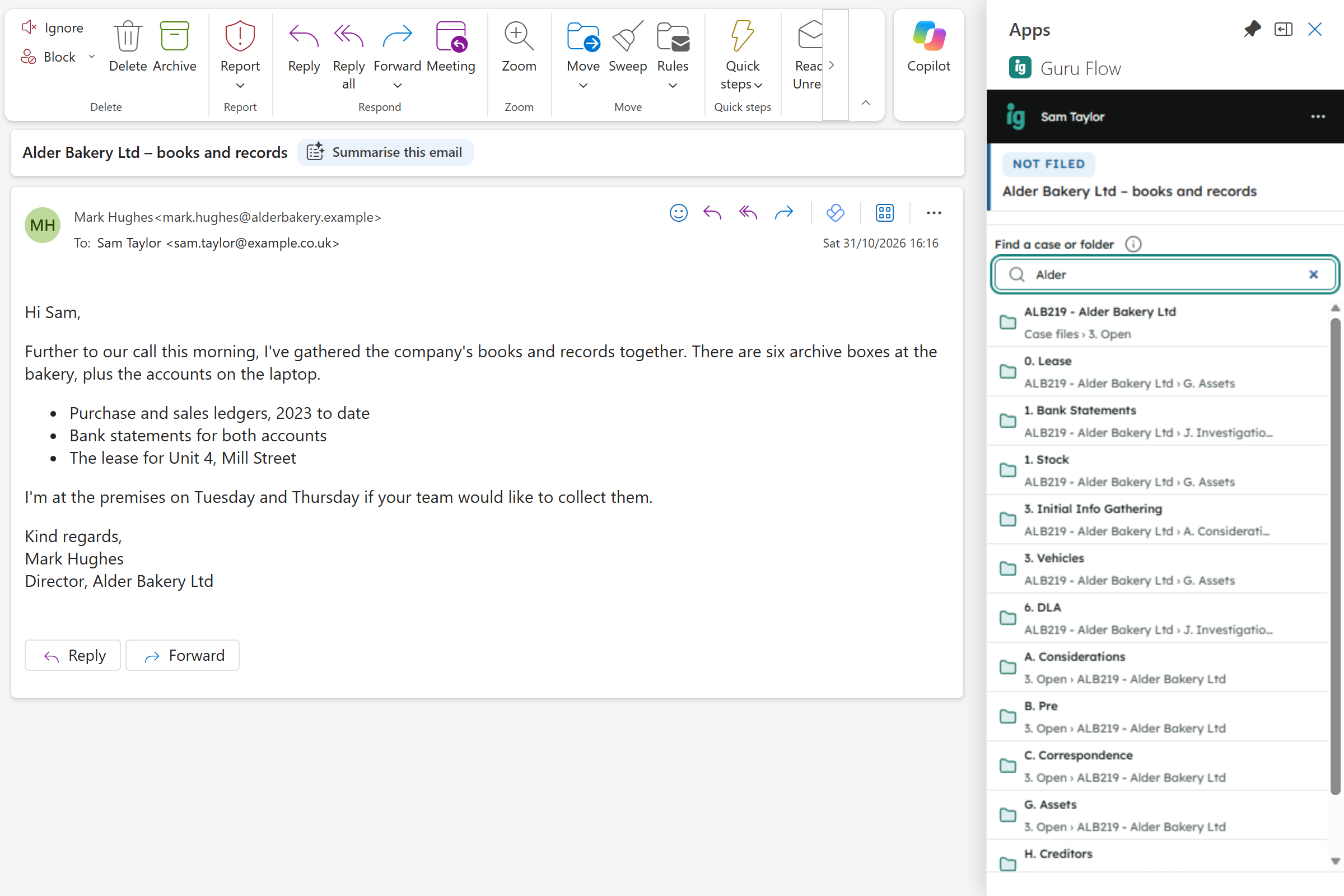
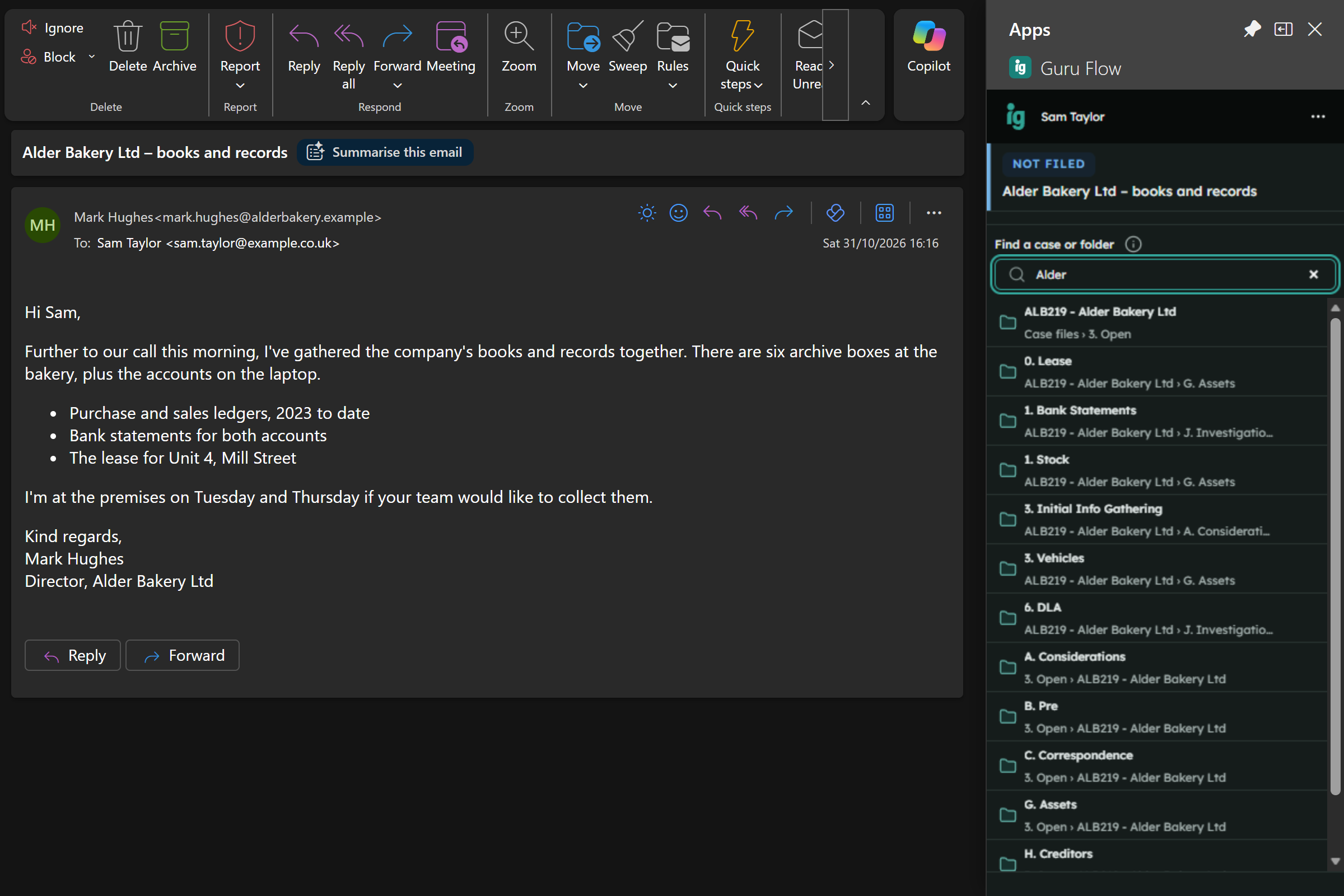
Guru Flow in Outlook: an email from a director is open, and the pane finds the case to file it in. Guru Flow in Outlook: an email from a director is open, and the pane finds the case to file it in.

Outlook add-in

Outlook on Windows and the web

  • File an email to a case or folder, or to several
  • File while you write; replies in a filed conversation are filed for you
  • Send an email for approval before it goes out
  • Turn a calendar event into a task
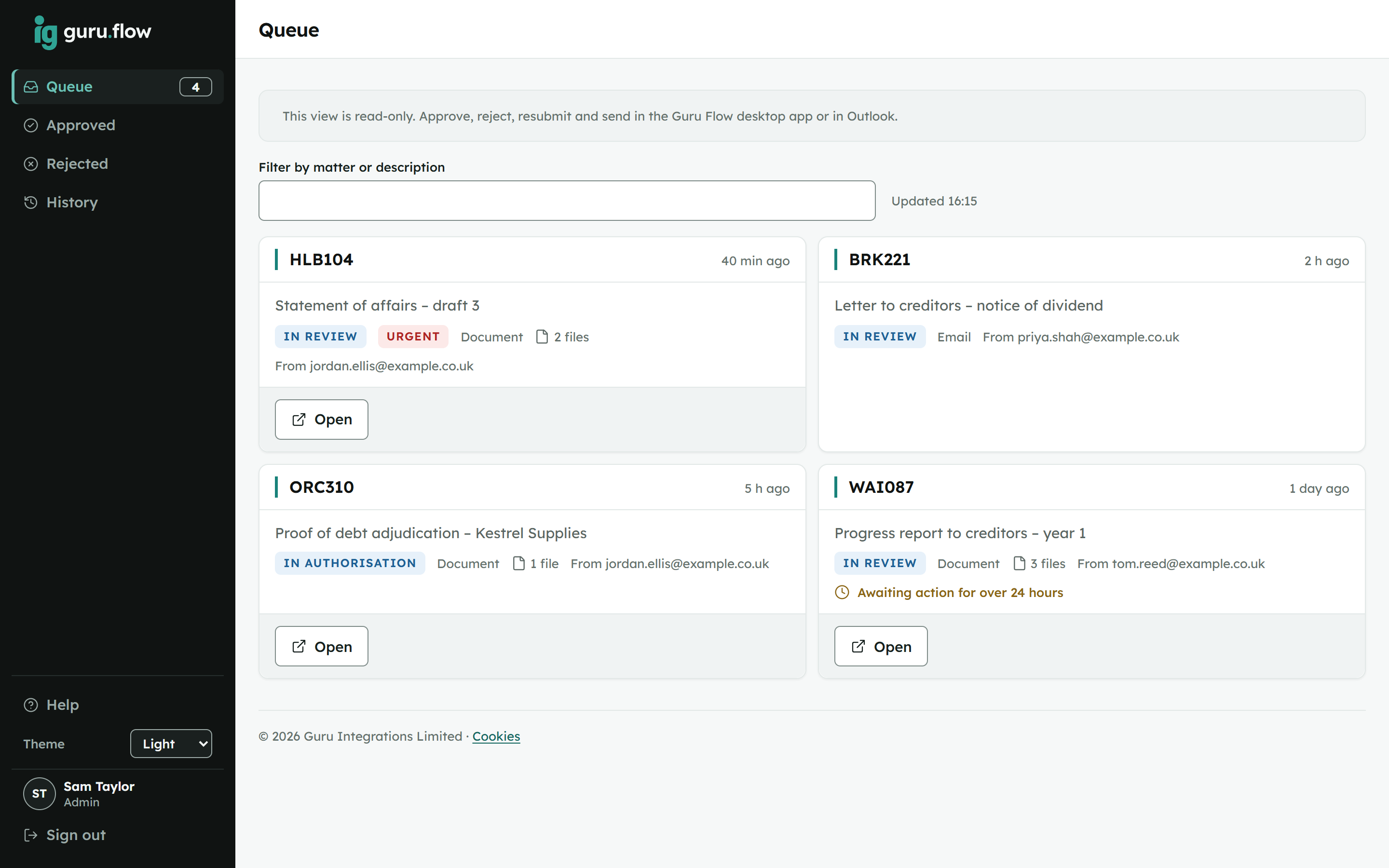
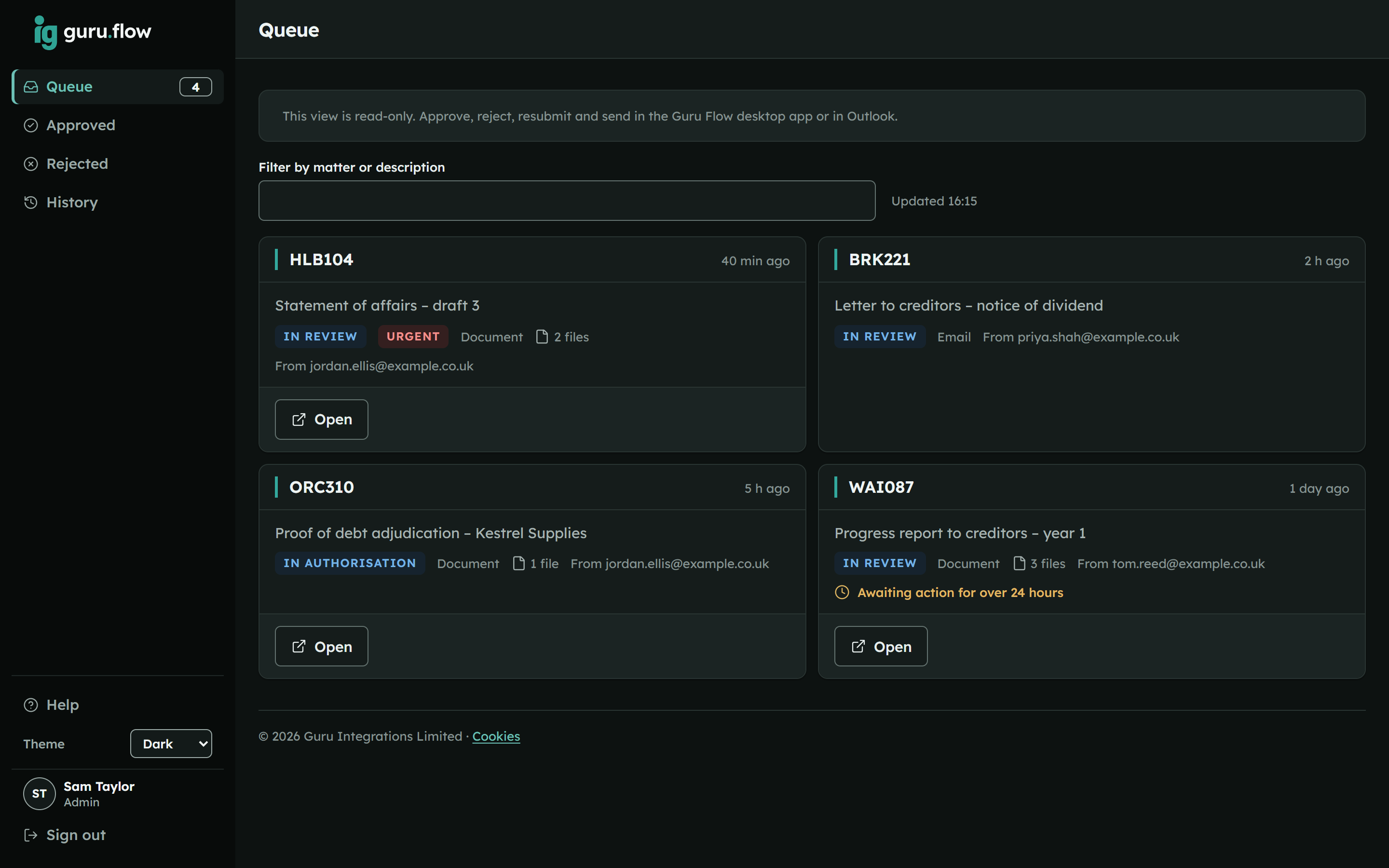
The Guru Flow web app in a browser, showing the approvals waiting, in authorisation and recently decided. The Guru Flow web app in a browser, showing the approvals waiting, in authorisation and recently decided.

Web app

Any browser, read-only

  • See the queue and the history from anywhere
  • Nothing to install
  • The same Guru sign-in as every Guru product

Two stages, one audit trail

From request to certificate

  1. Right-click a document in File Explorer, or an email in Outlook, and request approval.
  2. A reviewer checks it in the sidebar: approve, reject, or return it with comments.
  3. An authoriser gives the final sign-off.
  4. Guru Flow writes every step to your firm's own audit trail and produces a PDF certificate.

Approved emails are sent from the writer's own mailbox, with formatting, images and attachments intact, and then filed.

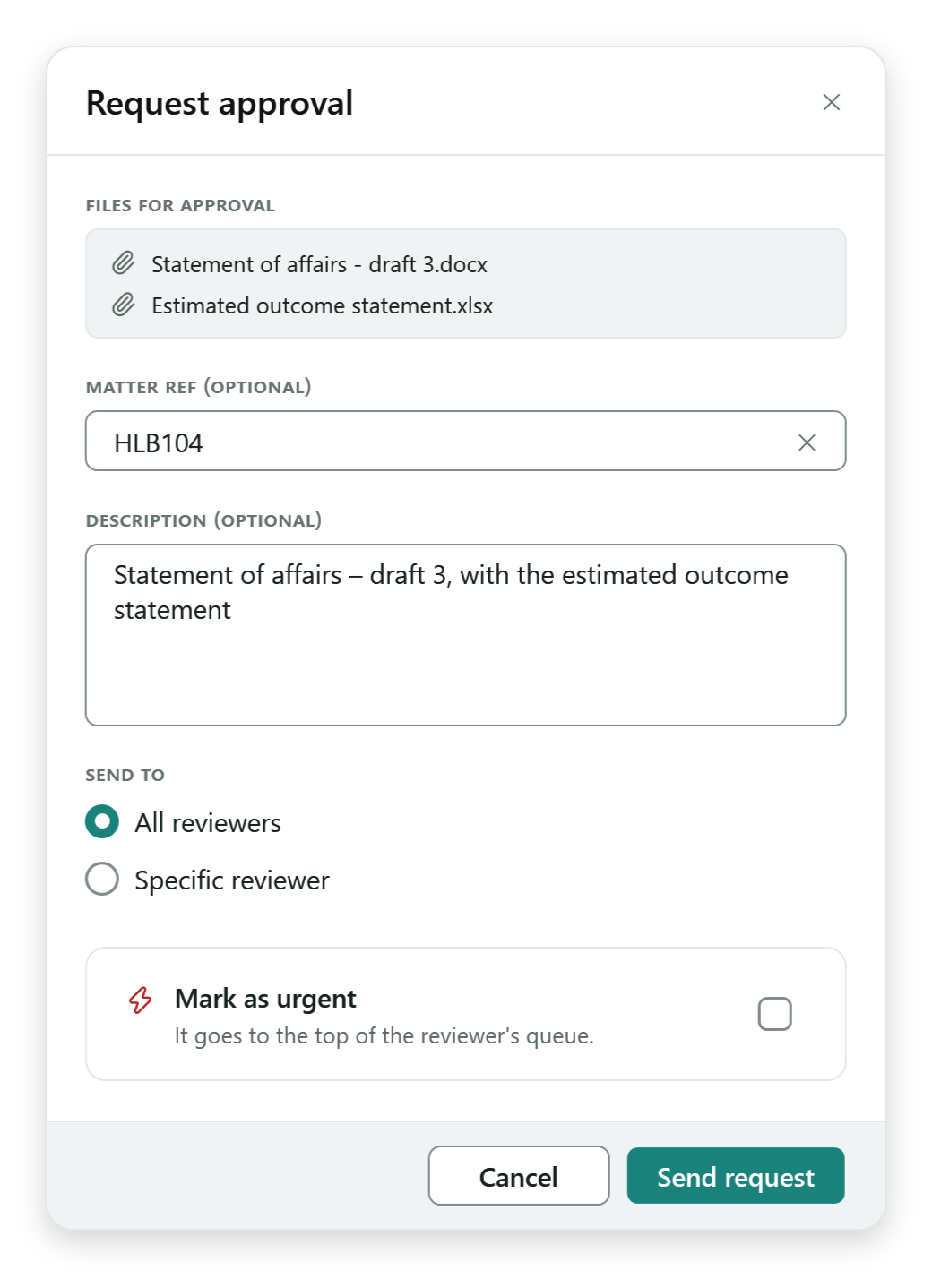
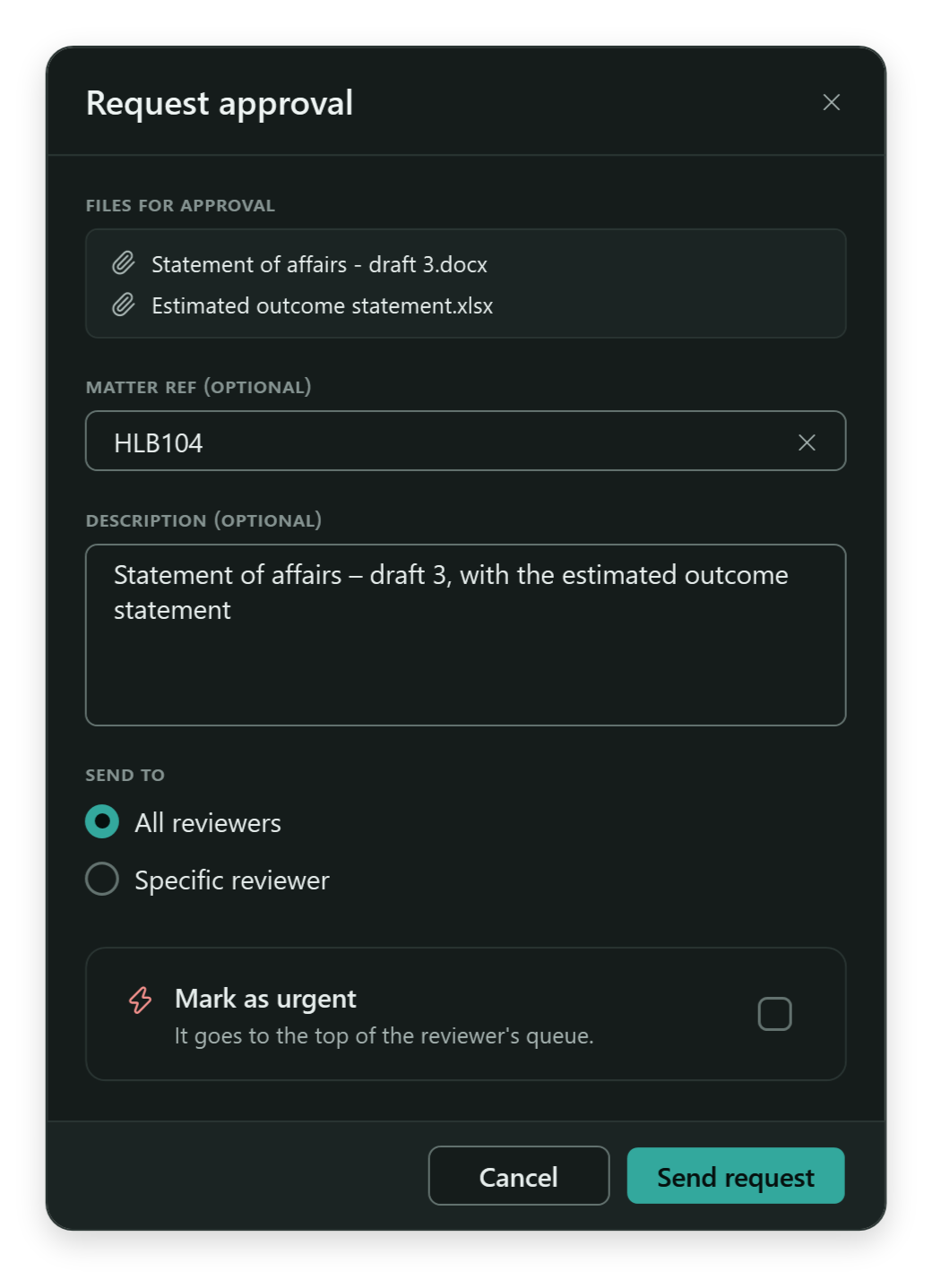
The Guru Flow Request approval form: two case files, the case reference, a description, who it goes to, and Send request. The Guru Flow Request approval form: two case files, the case reference, a description, who it goes to, and Send request.
The Request approval dialog opens beside the sidebar.

Sending email for approval

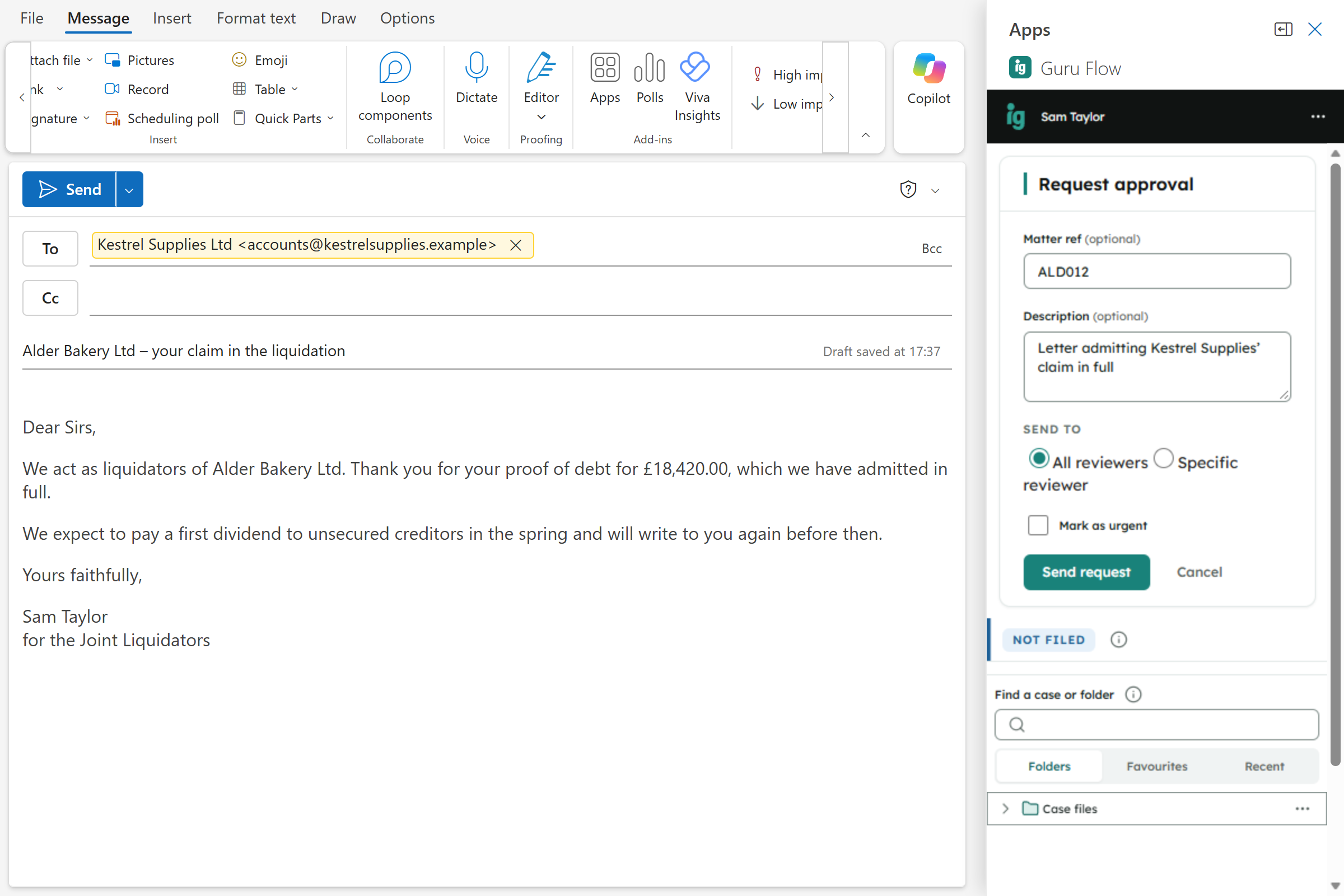
Write the email as usual, then send it for approval instead of sending it. Once approved it goes out from your mailbox exactly as you wrote it, and the approval sits in the audit trail with the email itself.

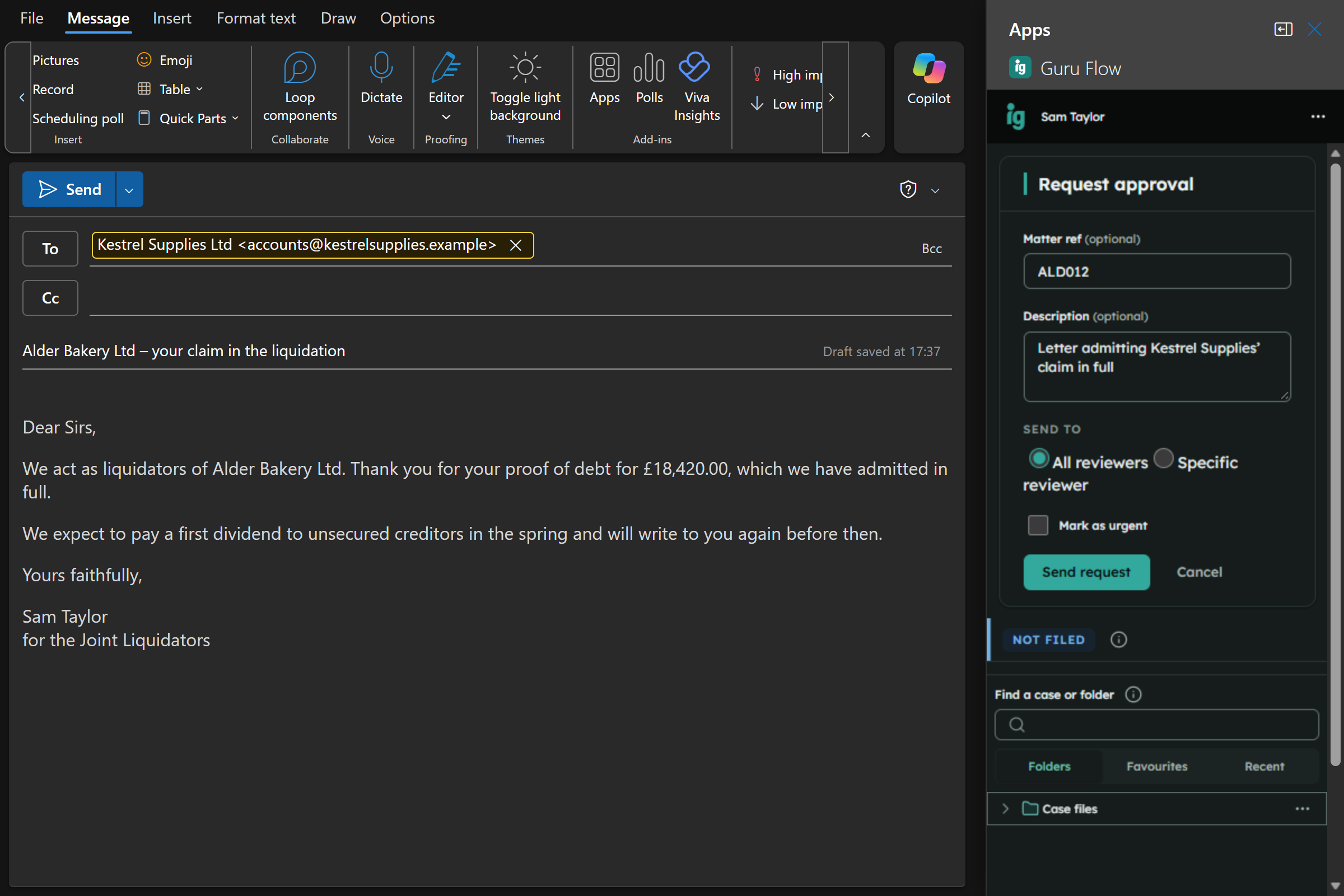
Guru Flow in Outlook: a letter to a creditor is held for approval before it is sent, with its case reference and description. Guru Flow in Outlook: a letter to a creditor is held for approval before it is sent, with its case reference and description.
Sending a draft for approval from Outlook.

The certificate

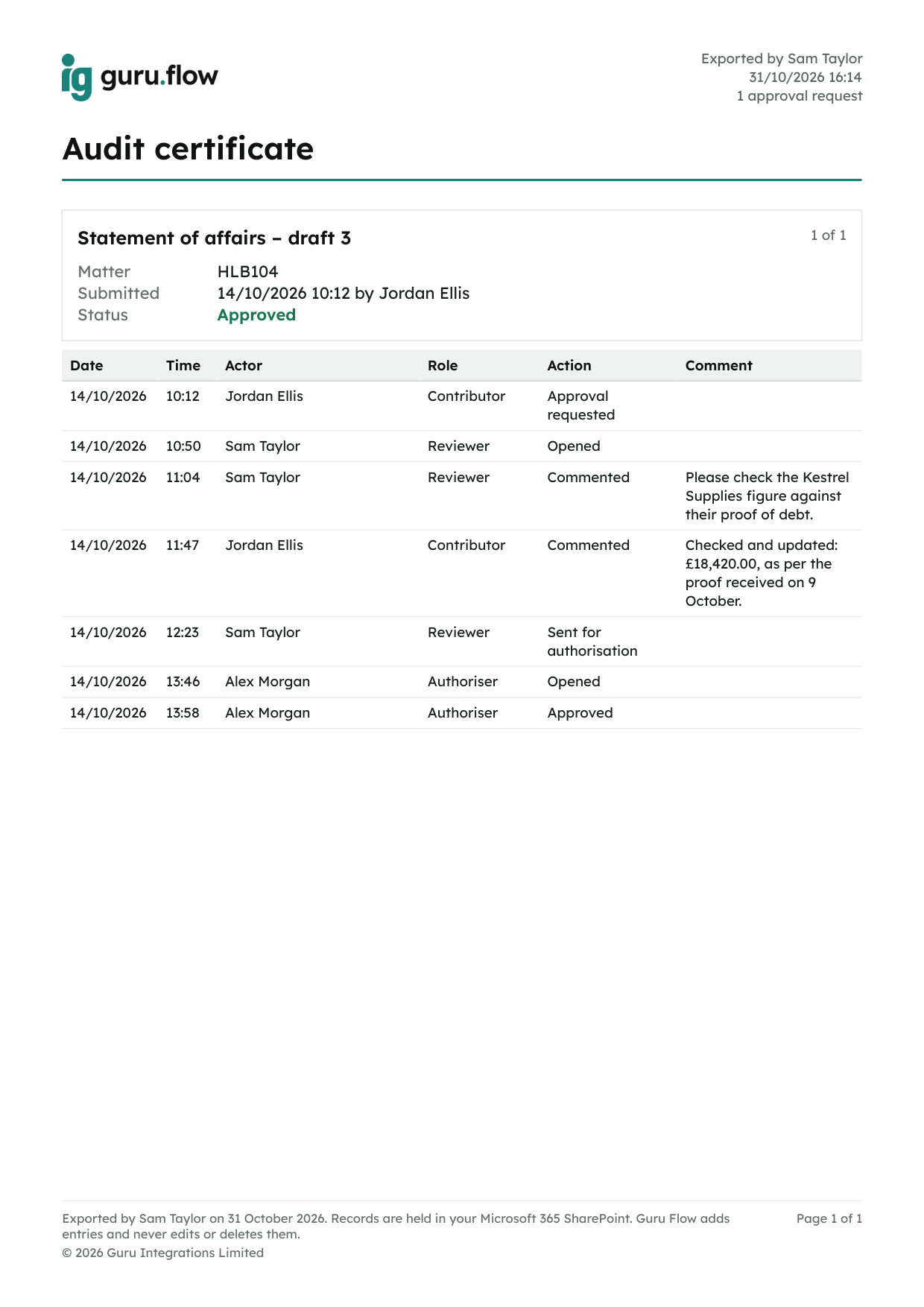
Each approval request produces one PDF certificate covering its documents or email and every step, from submission through review and authorisation to the outcome, with who and when. Export it from the document history or by right-clicking the item.

A Guru Flow audit certificate: every step of a two-stage approval with names, roles, times and comments.
An audit certificate.

Correspondence stays with the case

File an email to a case or folder from the Outlook add-in, or to several at once. File while you are still writing, and once a conversation is filed, Guru Flow files the replies for you.

Microsoft 365 and a Guru sign-in

Microsoft 365

A Business or Enterprise plan with Outlook and SharePoint. Guru Flow stores everything there.

Windows for the desktop app

Windows 10 or 11. The Outlook add-in runs in Outlook on Windows and on the web.

One Guru sign-in

The same sign-in for every Guru product. Seats are managed and billed through Guru Accounts, and its Downloads page is where you get Guru Flow and the Set-up guide.

Common questions

Where do I get Guru Flow?

Sign in to Guru Accounts and choose Downloads: the Windows app for anyone with a Guru Flow seat, and the Outlook add-in, Microsoft approval and set-up guide for the firm's owner and admins. There is nothing to download from this site.

Do I need an IT department?

No. The Set-up guide is written for small firms without one, and the desktop app updates itself.

Where is my data stored?

In your own Microsoft 365: documents and the audit trail in SharePoint, email in Outlook. Guru Flow uses delegated Microsoft permissions only, and none of it is sent to Guru.

Is it only for insolvency practitioners?

No. Any professional services firm that needs documents or emails approved before they go out, and its correspondence filed to the matter, can use it.

How does the approval work?

In two stages: a reviewer checks the document or email, then an authoriser signs it off. Either can reject it or return it with comments, and every step is recorded. Reviewers and authorisers are chosen in Guru Flow's admin settings; everyone else with a seat can request approval.

What does it cost?

Pricing is shown in Guru Accounts, where seats are managed and billed and where a firm can start a 14-day trial. For anything else, the help is public, or contact us.

Ready to see Guru Flow?

Sign in to Guru Accounts to get Guru Flow for your firm, or get in touch and we will answer your questions.